
Record with iPhones and Android phones at the same time
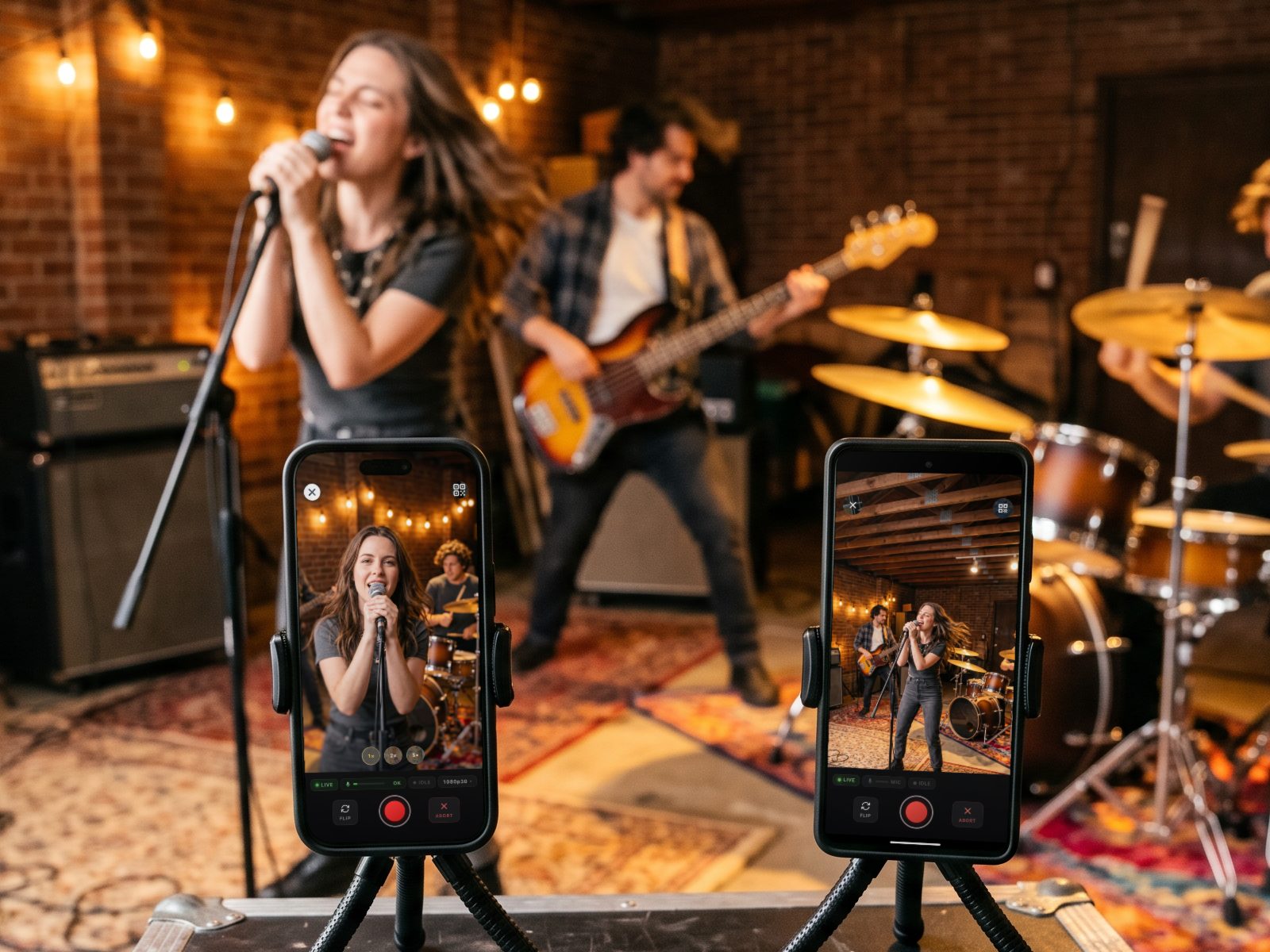
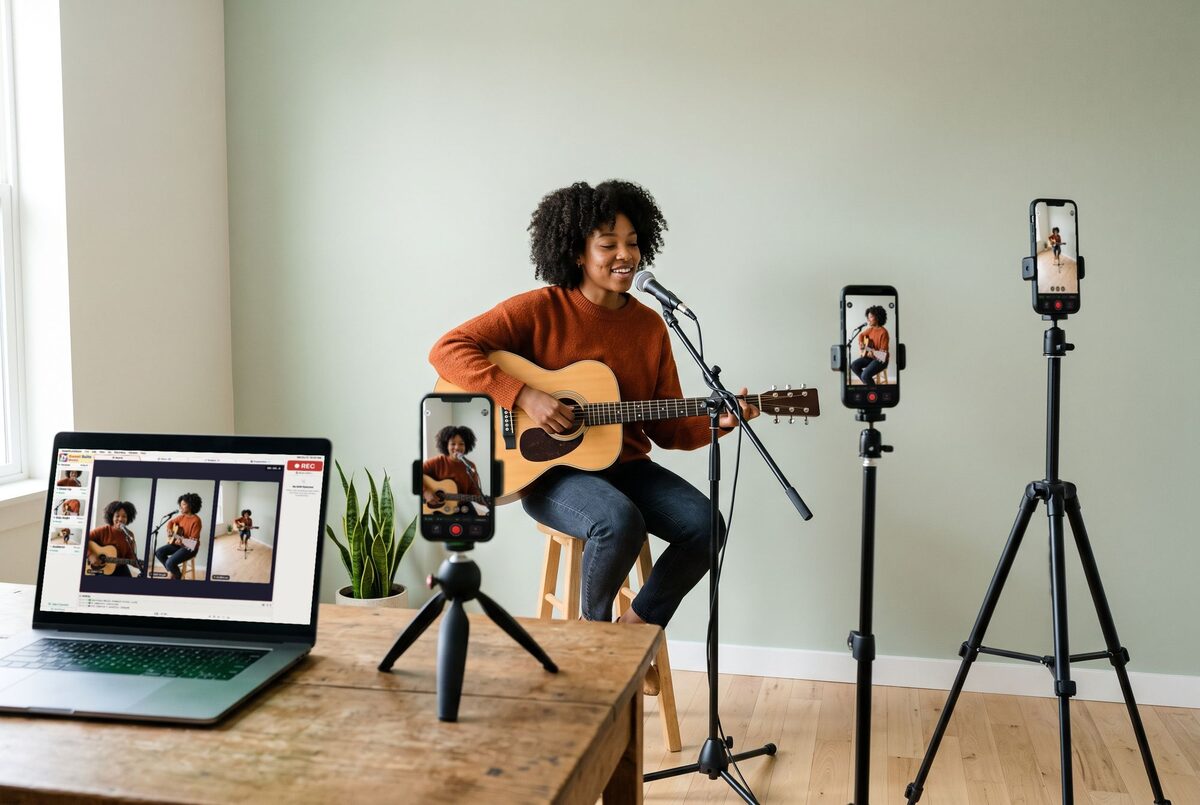
Your singer has an iPhone, your drummer has an Android, and there's a spare phone in a drawer. Use all of them. Put the free camera app on each phone, and your Mac records every angle at once, synced to your audio.
Needs a Mac with Apple silicon (macOS 14+). Free plan: 20 takes, 3 cameras, no card.
How to record with iPhone and Android phones together
-
Put the free camera app on every phone
SweetSuite Camera is free on the App Store for iPhone (iOS 16 or later) and on Google Play for Android (7.0 or later), in the US and Canada.
-
Scan the QR code on your Mac
Open Sweet Suite Music on your Mac and scan its QR code with each phone. The phones join over your Wi-Fi. At a gig with no Wi-Fi, Venue Wi-Fi mode turns your Mac into the network.
-
Pick each phone's quality from the Mac
720p, 1080p (the default), 1080p at 60 frames a second, or 4K, as far as each phone's camera allows. Set every phone at once or one at a time; the Mac shows what each phone is really recording.
-
Press Record once
Every phone starts recording at the same moment. Hold or mount each phone the way you want the shot, upright or sideways: the take records the way the phone is held.
-
Stop, and every angle comes back synced
Each phone sends its full-resolution take to your Mac over Wi-Fi, and Sweet Suite Music lines every angle up with your audio. No clapboard, no lining clips up by hand.
-
Cut it and share it
Start from a template for a first cut, then finish it in the Design Studio and export for Instagram, TikTok, YouTube, Facebook and X. Paid plans post straight to them.
What you need
- A Mac with Apple silicon (M1 or later) on macOS 14 Sonoma or later. That's the only must-have.
- Phones: iPhones on iOS 16 or later and Android phones on 7.0 or later, in any mix. The Mac's own camera can be an angle too.
- Wi-Fi for the Mac and phones, or Venue Wi-Fi mode where there's none.
- Audio: Logic Pro, GarageBand, or just the sound the cameras record.
How many phones?
| Plan | Phones at once | Longest take |
|---|---|---|
| Free | 3 | 5 min |
| Solo | 3 | 10 min |
| Band | 6 | 30 min |
| Producer | 8 | No limit |
Prices and everything else each plan includes: see pricing.
Tips for a mixed-phone shoot
- Put your best camera on the main shot (the wide one, or the singer) and the others on close-ups. Each phone records with its own camera, so a new iPhone and an older Android won't look exactly alike.
- Watch the batteries. The Mac shows every phone's battery live, and a low one turns orange, then red, so you can charge or swap it before the next take.
- Clear some space on each phone before a 4K session. A 4K take is several times bigger than the same take in 1080p.
- Keep the Mac and every phone on the same Wi-Fi, or switch on Venue Wi-Fi where there's no network.
iPhone and Android questions
Do all the phones need to be the same brand or model?
No. Any iPhone on iOS 16 or later and any Android phone on 7.0 or later can join the same session, in any mix.
Will the iPhone and Android footage look the same?
Not exactly. Each phone records with its own camera, so color and sharpness can differ between brands and ages. Put your best phone on the main shot.
Can one phone record in 4K while another records in 1080p?
Yes. You set each phone's quality separately from the Mac, and a phone that can't do 4K records at the best quality it supports.
Can I use my Mac's camera as one of the angles?
Yes. The Mac's own camera can record alongside the phones.
Do the phones need an internet connection?
No. The phones talk to your Mac over your local Wi-Fi, or over the Mac's own network in Venue Wi-Fi mode. Nothing goes through the cloud while you record.
How many phones can I use?
Up to 3 on Free and Solo, 6 on Band and 8 on Producer.
Is it free?
You can start free: the Free plan gives you 20 takes and 3 cameras, no credit card. Paid plans start at $15 a month.