
🎬 Director-in-a-Box for Mac

Your Band.
5 Cameras.
One Button.

Turn your MacBook into a multi-cam recording studio. Sync every phone, hit record, and every angle lands lined up with your audio. Pick a template for a first cut, then finish your multi-angle music video in the built-in Design Studio. No cables, no cloud, no hassle ✌️

Create your free account

Sweet Suite Music runs on Apple silicon Macs (macOS 14+). The free camera app runs on iPhone and Android.

Discord See how it works
Free to start. No card needed 🎸
macOS native No cloud required iPhone & Android
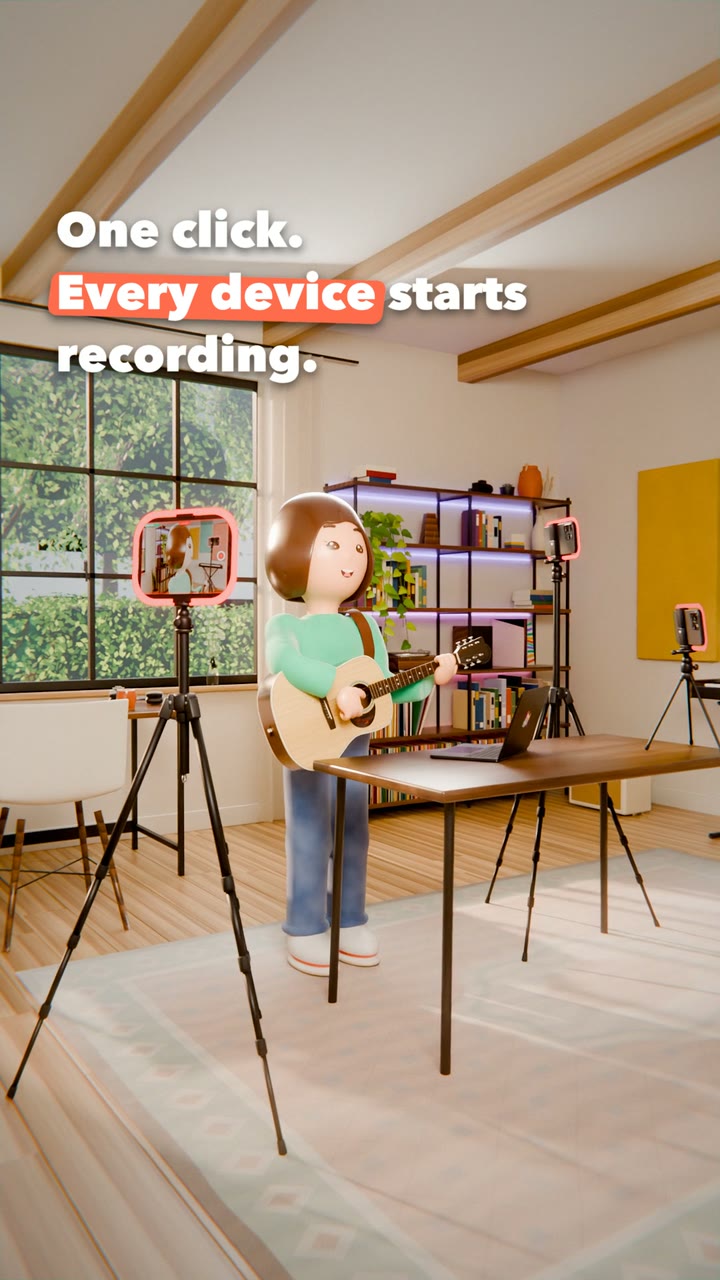
Sweet Suite Music — Press Record: one click and every phone in the room starts recording

Press Record

Every angle, one click

⚡ How It Works

Record. Review. Design. Ship.

Four tabs. One workflow. From the moment you hit record to a finished video that's ready to post — everything lives inside Sweet Suite Music. No other editing software needed.

01
One button · Every camera · Automatic sync

Record — Your Mac Runs the Show 🎬

Open Sweet Suite Music, hit Record, and every connected phone starts capturing simultaneously. Your Mac hosts the whole session over your local Wi-Fi — no internet, no cloud. All footage stays full-resolution on each device.

Requires a Mac with Apple silicon (M1 or later) running macOS 14 Sonoma or later. Connect up to 5 phones at once (3 on Free and Solo). Every angle is auto-aligned to your audio after recording.
02
Every angle · Every session · Synced & ready

Takes — All Your Footage, Perfectly Organized 🎞️

After recording, every Take is automatically organized with duration, angle count, and sync status. Scrub through your multi-angle footage side-by-side, pick your best moments, and move straight into the design phase.

Takes are stored locally on your Mac. Replay any angle, any session, instantly.
03
Text · Graphics · Overlays · Templates

Design Studio — Make It Yours ✏️

The built-in Design Studio lets you build a visual identity for your videos. Add branded text layers, lower thirds, stickers, and animated overlays — all on a timeline editor built for musicians, not video pros.

Design once, apply to every Take. Templates save your style so every video looks consistent.
04
Rendered · Ready to post

Productions — Export & Ship 🚀

Hit Render and Sweet Suite produces your final multi-angle video with all your designs baked in. Every Production is ready to post — vertical for TikTok & Reels, widescreen for YouTube, or raw 1080×1920 for full control.

Render multiple versions from one Take — vertical, square, or widescreen from the same session.
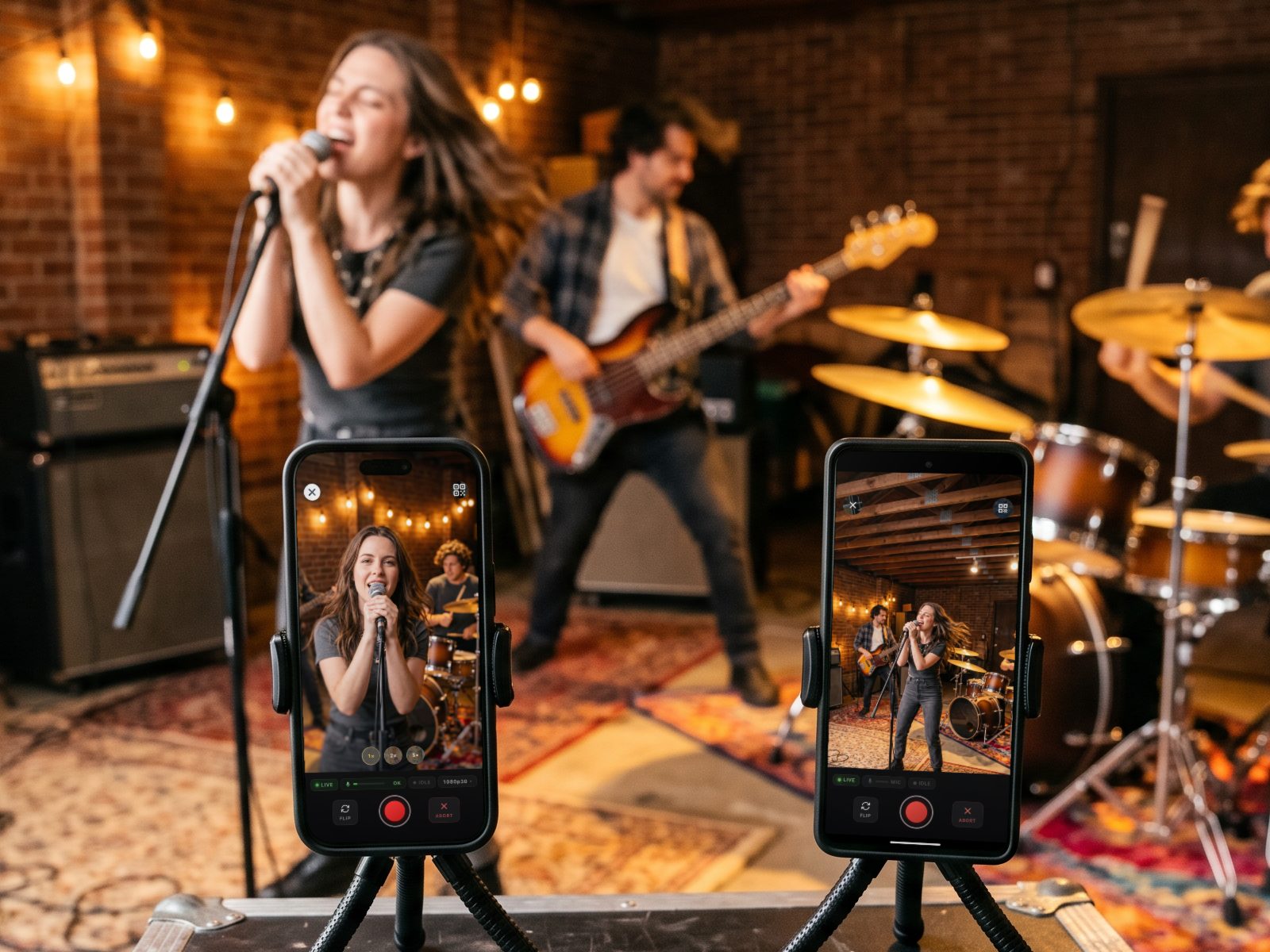
Two phones on small tripods film a band rehearsing in a garage: an iPhone and an Android phone, both running the free SweetSuite Camera app
📱 Free camera app

Every phone in the room becomes a camera.

Put the free SweetSuite Camera app on any iPhone or Android phone, scan the QR code on your Mac, and it's a live angle on your Record wall. Hit Record once and every phone rolls together.

  • Pairs with your Mac by scanning a QR code
  • Each phone records in full resolution, then sends the take back to your Mac
  • Runs over your own Wi-Fi: no cloud, no cables

iPhone with iOS 16 or later · Android 7.0 or later · US and Canada

Export Everywhere

One Video.
Every Platform.

Hit export once and Sweet Suite Music renders your multi-angle video in every format, every aspect ratio — optimized for each platform automatically.

Instagram Reels

9:16 Vertical

TikTok

9:16 Vertical

YouTube

16:9 + 9:16

Facebook Reels

9:16 Vertical

X

9:16 Vertical

Render Once. Post Everywhere.

Aspect ratios, bitrates, and metadata — all handled automatically. Your video is platform-ready the moment it finishes rendering.

The Technology

One-Push Sync.
Zero Compromise.

Our one-push sync technology eliminates the complexity of traditional multi-cam setups. One button press on your Mac orchestrates every phone in the room — pairing, simultaneous recording, and automatic alignment of every angle to your session audio. Here's what's happening under the hood.

Auto

Audio Sync

Every camera lines up to your recording by itself — no clapboard, no nudging clips

5

Max Connections

Connect up to 5 phones over Wi-Fi (3 on Free and Solo)

Up to 4K

Max Resolution

Each phone records locally at its native camera quality

0

Cloud Dependency

Recording and editing run entirely on your devices — no cloud uploads

Under the Hood 🔧

How a session flows, from pairing to multi-cam library

01

Mac hosts session

Local Wi-Fi, no internet

02

Phones pair

Scan a QR code to join

03

Record fires

All cameras simultaneously

04

Footage stays local

Full-res on each device

05

Audio syncs

Angles aligned to your session audio

06

Mac assembles

Multi-cam library, ready to cut

Multi-Stream Pipeline

When recording stops, every phone transfers its full-resolution files to your Mac over your local Wi-Fi network — no cables, no cloud uploads, no AirDrop bottlenecks.

Templates for a Fast First Cut

Pick a template and Sweet Suite lays out a first cut between your angles, some templates snapping cuts to the beat of your song. From there you make it yours in the built-in Design Studio: adjust the cuts, add text and your logo. No separate editing software needed.

Automatic Audio Sync

After recording, Sweet Suite Music listens to every camera's audio and lines each angle up with your song, whether it came from Logic Pro, GarageBand, or the cameras themselves. No timecode hardware required.

Local-Only Connection

Phones pair with your Mac over your local Wi-Fi network — the Mac hosts the connection itself, secured with HTTPS and WebSockets. Footage records at full resolution on each phone, and nothing ever touches the cloud.

Venue Wi-Fi Mode

No Wi-Fi at the gig? Your MacBook becomes the network. Switch on Venue Wi-Fi and your phones join the Mac directly — no venue password, no internet needed — so a bar stage or a church basement records exactly like your living room.

I used to never record multiple angles because all the setup and editing took so much time. Sweet Suite Music has made it fun and easy to record a professional multi-camera performance!

Donnie Constantine
Donnie Constantine

Lead Vocalist, Rites of Passage — early tester on the Sweet Suite Music team

Ready to ditch the complicated setup?

Create your free account
Features

Everything You Need.
Nothing You Don't.

Built from the ground up for musicians and bands who want professional multi-cam phone recording without the professional price tag. Every feature is designed to get out of your way and let you focus on the music.

Privacy First

No Internet Required

Sweet Suite Music runs entirely over your local Wi-Fi — your Mac hosts the session, no internet connection needed. Record anywhere you can set up a local network — basements, warehouses, outdoor stages — completely offline. Your footage never touches the cloud.

Templates

Templates + Design Studio

Start from a template that lays out a first cut across every angle, with beat-snapped cuts on some templates. Then finish it your way in the built-in Design Studio: adjust the cuts, add text and your logo. Export in vertical, square, or widescreen for every platform.

Works With iPhone & Android

Companion camera apps for iPhone and Android pair with your Mac via QR code over local Wi-Fi — mix and match up to 5 phones across your crew (3 on Free and Solo). Get the free SweetSuite Camera app on the App Store or Google Play (US and Canada).

Live Preview Wall

See every connected camera angle live on your MacBook in the Command Center — monitor framing, connection, and recording status for every phone at a glance.

New

Platform-Optimized Export

Export your finished multi-angle video as ready-to-post files for Instagram Reels, TikTok, YouTube Shorts, or full-length YouTube — all format conversions handled automatically with platform-optimized encoding.

High-Res File Offload

When recording stops, full-resolution files transfer from every phone to your Mac over your local Wi-Fi network. No cables, no AirDrop bottlenecks — just fast, parallel transfers.

Session History & Replay

Every recording session is cataloged with metadata — date, connected devices, and duration. Come back to any past take to design a new video or export it in another format.

Battery-Aware Recording

The Mac shows every phone's battery live. A low one turns orange, then red, so you can swap or charge it before the next take.

Built Exclusively for macOS

A native Mac app built on Apple's media and signal-processing frameworks for hardware-accelerated video work. Requires a Mac with Apple silicon (M1 or later) running macOS 14 Sonoma or later.